
You've reached the page where you can start using ChatGPT for free
Today there are several of these chats, and they are all very smart. Chances are a friend or acquaintance recommended you start using ChatGPT. Here you'll discover what you can do with it — and that it's not the only one: there are several similar free chats, just with other names.
Today the three smartest and most popular are: ChatGPT, DeepSeek, and Gemini.
Have you seen this ChatGPT yet?
This is what it looks like — like that little window for talking to support on websites. You type your query in the line, and in the window you see both your question and the answer. You write the next question and get the next answer.
That's a chat: a window showing the conversation and, below, a line for typing your questions, queries, or prompts.
This type of program is called an artificial intelligence program — or AI for short. And within the AI field itself, these programs are often called 'models': if you see the word 'model' later, it's the same thing, a program.
In this chat, you communicate with a computer program in normal language. And the program also replies with words — here's an animation of what it looks like:
Here's what a chat can do, besides answering questions and solving tasks
Photograph a crumpled handwritten text, a receipt, or a diagram — or upload a PDF. The chat will understand what it says and extract what you need.
Turn on voice mode and simply speak out loud, like on the phone — no typing needed.
Create an image from a description, then ask it to change something in it.
If the question is about today's prices, news, or weather — the chat goes online on its own and gives the answer with links to sources.
ChatGPT · OpenAI
The most popular free AI chat. Answers questions, writes and explains texts, analyzes photos and documents, and can talk with voice.
DeepSeek
A free AI chat that's especially good at logic, math, and code.
Gemini · Google
Google's free AI chat, integrated into the search engine and other Google services.
ChatGPT
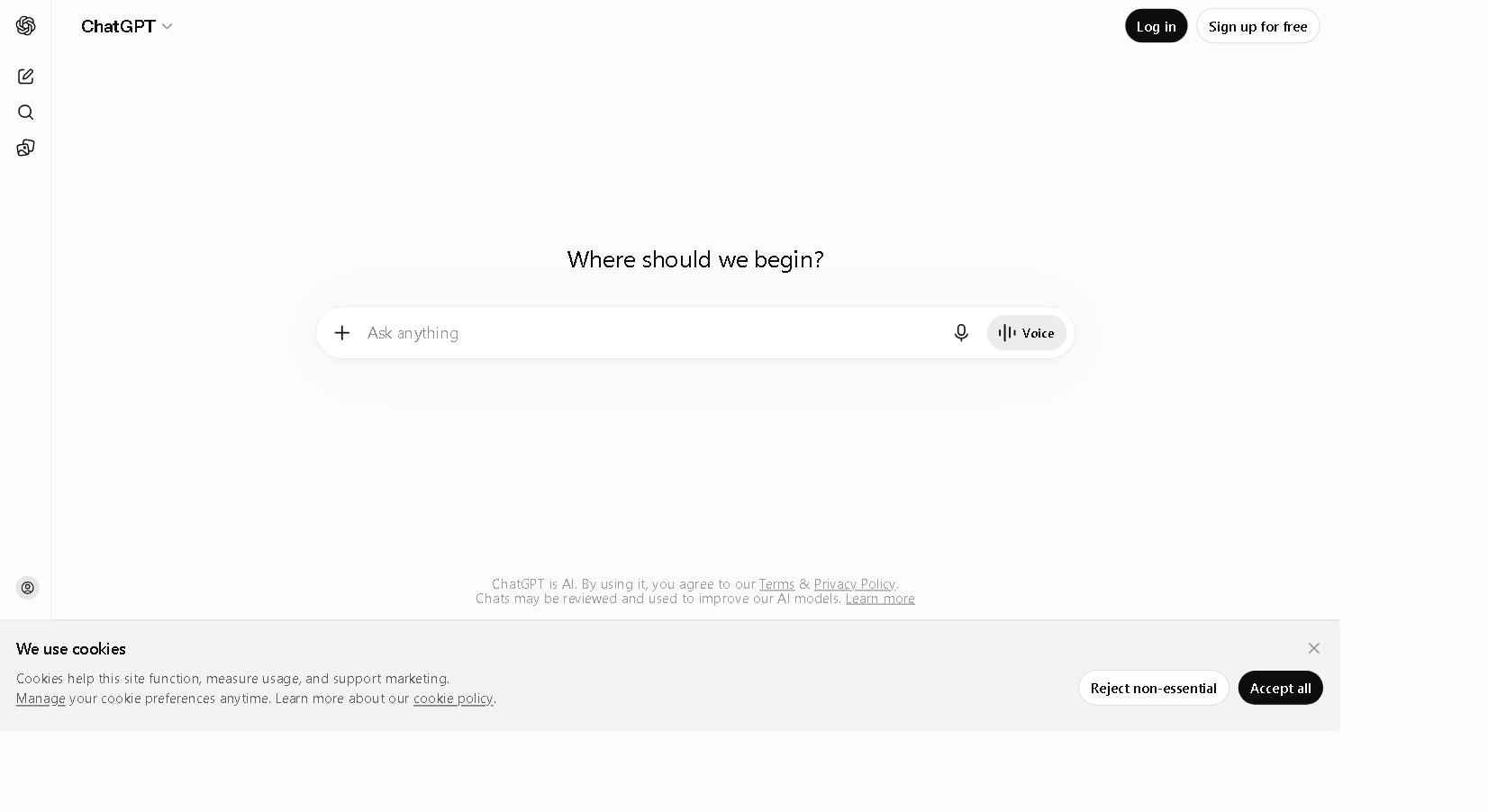
Already know this chat and want to start? Go straight to it with the button below. And if you'd rather see it first, below are screenshots of the entry screen.
How to get started:
- Open chatgpt.com
- You can type questions right away — registration is not required
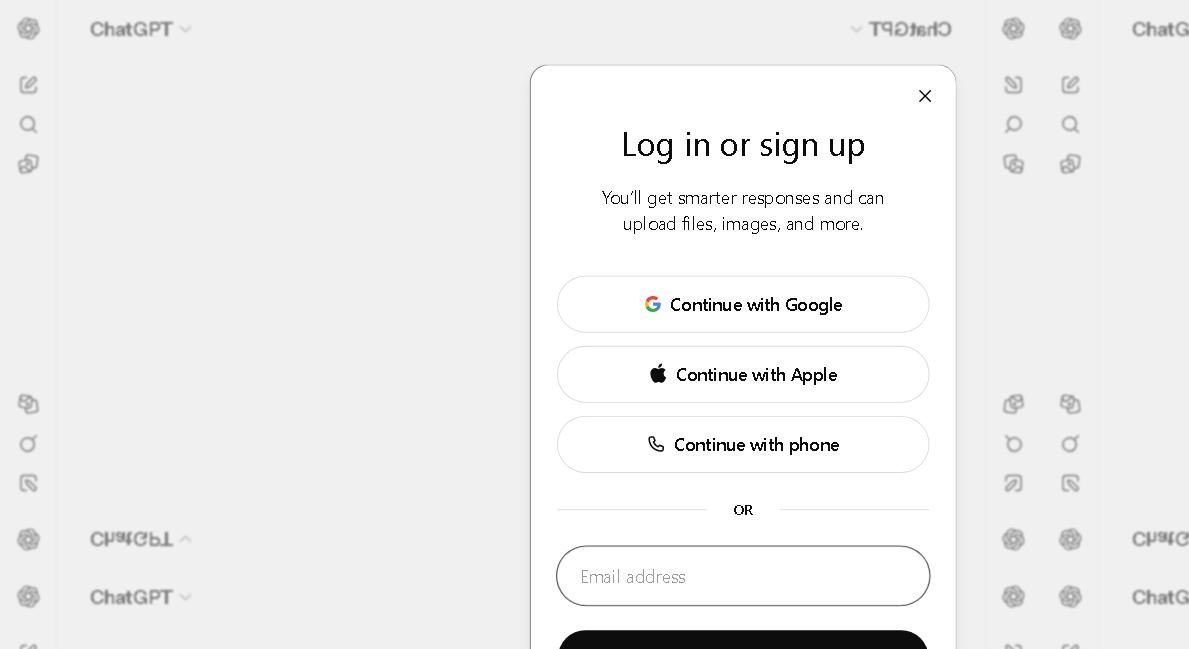
- To save history and enable voice and images, click 'Log in' at the bottom left. It will offer to sign in with Google, Apple, phone number — or enter your email
- Confirm the email (or SMS code) — and you're done
Here's what awaits you when you enter the chat 👇
DeepSeek
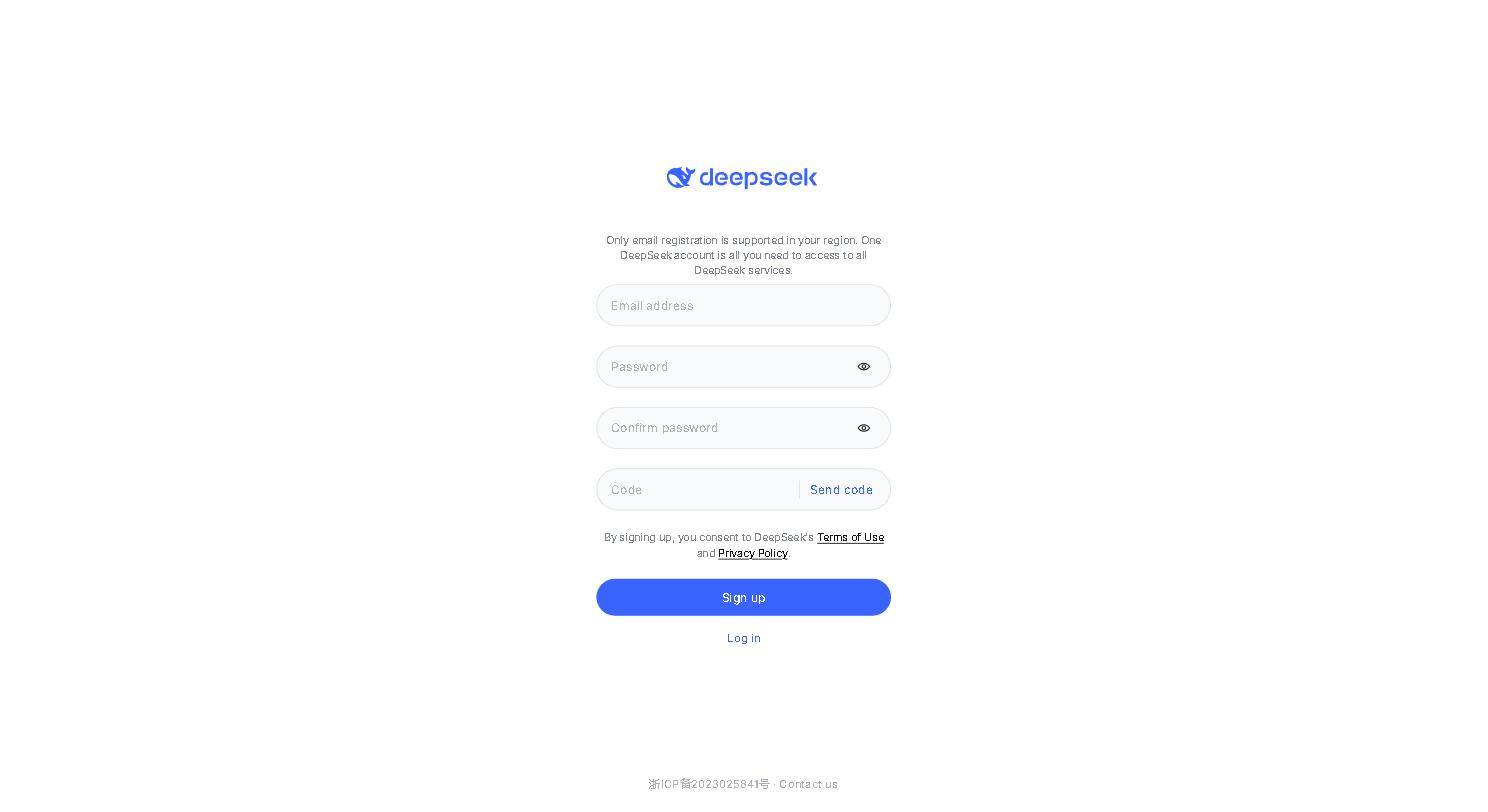
Already know this chat and want to start? Go straight to it with the button below. And if you'd rather see it first, below are screenshots of the entry screen.
How to get started:
- Open chat.deepseek.com
- Click 'Sign up'
- Enter your email, create a password, and click 'Send code' — you'll receive a confirmation code in your email
- Enter the code — and you're done
Here's what awaits you when you enter the chat 👇
Gemini
Already know this chat and want to start? Go straight to it with the button below. And if you'd rather see it first, below are screenshots of the entry screen.
How to get started:
- Open gemini.google.com
- Sign in with your Google account
- If you don't have a Google account yet, create one for free; it takes a couple of minutes
Here's what awaits you when you enter the chat 👇